The short answer
Probably not. Most people don’t need a smartwatch data plan.
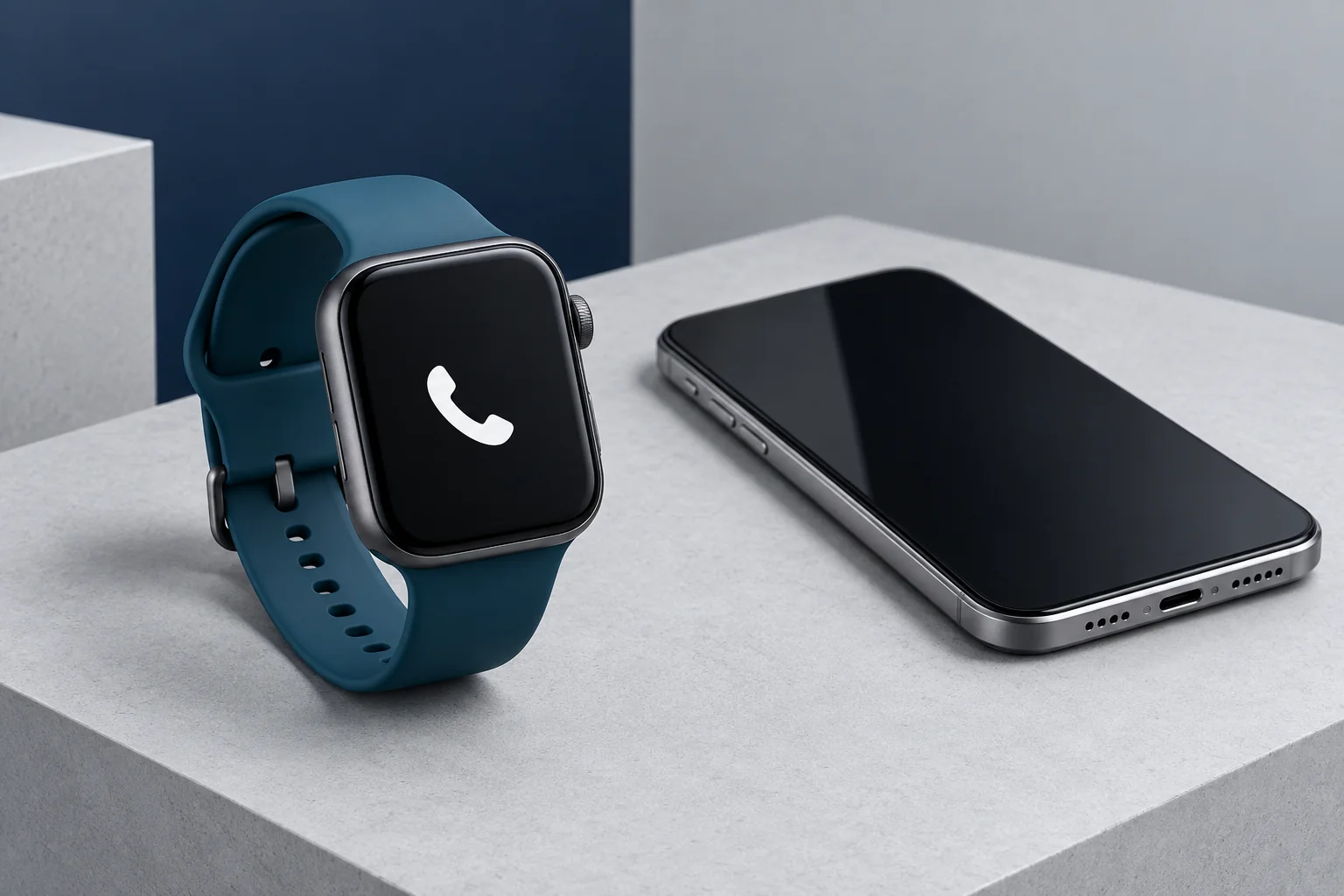
If your phone is usually with you, the watch can connect to your smartphone via Bluetooth, or join Wi-Fi, and that covers nearly everything you’ll use each day. A cellular-capable watch also works fine without ever activating service.
Pay for cellular only if you regularly leave your phone behind and still want to stay connected. Before you buy, confirm that your carrier supports your exact watch.
Does a smartwatch need a data plan? Usually not. Most watch features don’t require one, and the few that do mostly matter when your phone is somewhere else. One thing trips up a lot of shoppers: buying a cellular-capable watch is not the same as activating cellular service. You can own an LTE watch and never add a monthly plan. Some phone plans and promotions also include or discount wearable service.
Jump to
- Should you get cellular?
- What works without a plan
- How cellular service works
- Which watch works with which phone
- A cellular watch worth comparing
- What smartwatch plans cost
- Before you activate
- Our recommendation
- Frequently asked questions
- How we researched this
Does a smartwatch need a data plan? When cellular makes sense
Skip the spec sheet for a second. The best question is simple: where will your phone be when you’re wearing the watch?
Get cellular if…
- You regularly run, walk the dog or hit the gym without your phone.
- Being reachable during those outings actually matters to you.
- Your carrier supports the exact watch you want.
- A recurring charge is fine with you. The examples we reviewed ran $10 to $25 a month before discounts.
Skip it if…
- Your phone is almost always with you.
- You mostly want notifications, fitness tracking and payments.
- Wi-Fi and downloaded music or maps cover your phone-free needs.
- You’d be paying only because the watch happens to have LTE hardware.
Four real-life situations
Cellular can pay off
You run or walk without your phone
This is the classic case. With active service, a cellular watch can handle supported calls, texts and some apps on its own while your phone stays home.
Skip it
Your phone lives in your pocket or bag
If the phone is always within Bluetooth range, it already gives the watch its connection. A monthly line would mostly duplicate what you have.
Check first
You travel abroad
Watch lines can have different international roaming rules than phone lines. Ask your carrier before you go, or plan to rely on Wi-Fi.
Check first
It’s a kid’s first watch
Calling and location sharing away from Wi-Fi usually need cellular service. Apple Watch For Your Kids has its own setup and carrier rules, so read Apple’s guide first.
The quick version
| Your situation | Separate watch plan? | What to expect |
|---|---|---|
| Your phone is nearby | Usually no | Supported alerts, syncing, calls and online features can use the phone connection. |
| You have supported Wi-Fi | No. Wi-Fi works without a cellular plan. | Compatible online features may work without the phone nearby. |
| You are completely offline | No | Timekeeping, stored data, workouts and supported downloaded content can still work. |
| You want connectivity away from your phone and Wi-Fi | Usually yes | A cellular-capable watch can use supported carrier features when service is active. |
Get specific
Before paying, decide what actually needs to work without your phone: ordinary calls, texts, a messaging app, navigation, music streaming or something else. “Connected” does not mean every phone app can run independently on the watch.
What works without a plan
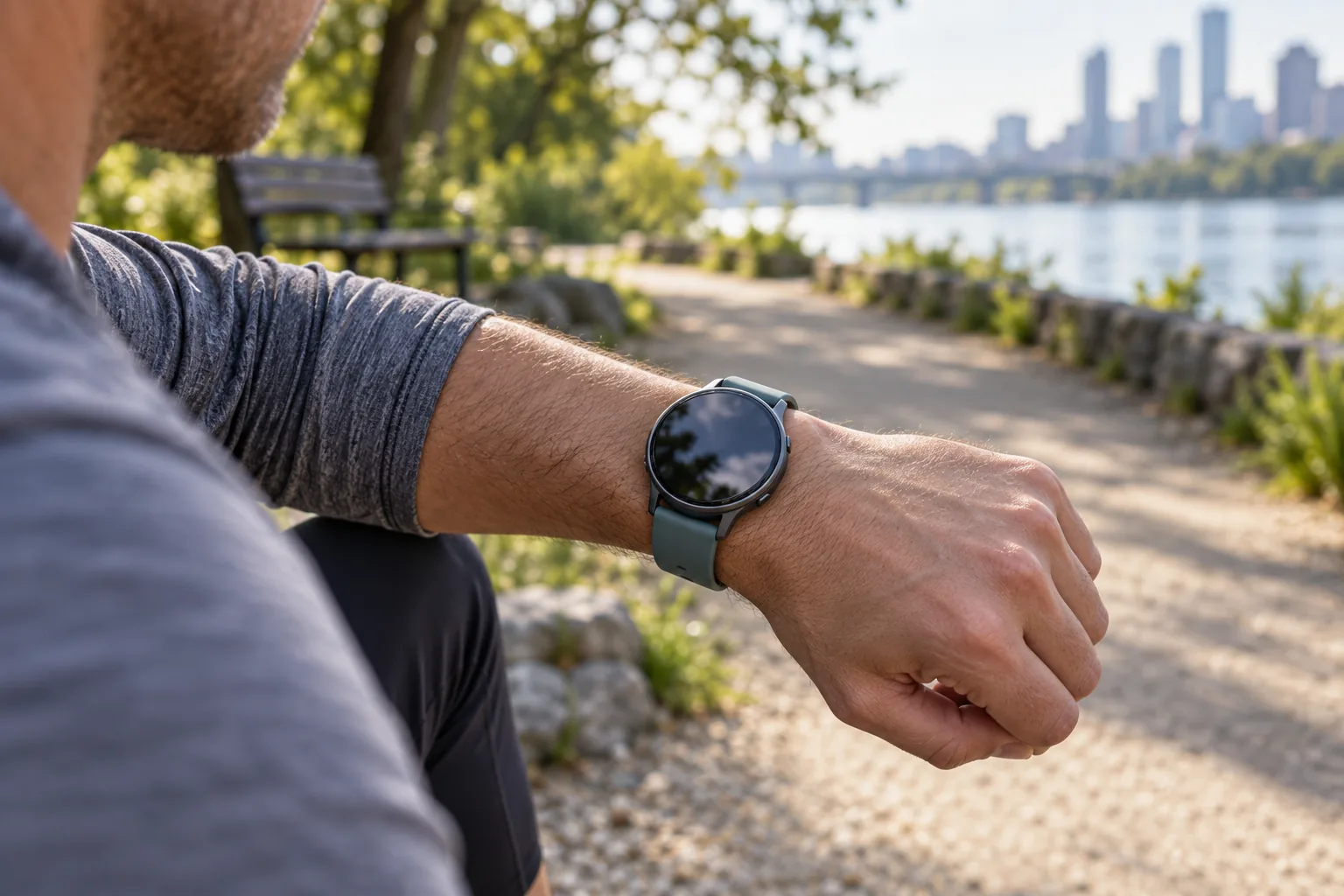
Watches connect in four different ways, and only one needs a monthly plan. That’s why most of a smartwatch’s range of features works without one.
| Connection | What it does | Needs a watch plan? |
|---|---|---|
| Bluetooth | Links the watch to your smartphone via Bluetooth. The phone supplies the internet connection. | No |
| Wi-Fi | Keeps supported watch features online when a usable network is available. | No |
| GPS | Handles location and route tracking. It does not provide internet access or phone service. | No |
| Cellular | Adds a direct mobile-network connection. Also labeled LTE, GPS + Cellular or, on some newer devices, 5G. | Yes, plus cellular-capable hardware |
You can still do plenty without a watch plan. Depending on the model, that can include:
- Track workouts, steps, sleep and other supported health or fitness data.
- Get notifications, answer calls and send texts through your phone while it’s in Bluetooth range.
- Play downloaded music, or stream music over supported Wi-Fi, depending on the model.
- Use saved routes, timers, alarms and supported wallet payments.
- Use compatible online features over supported Wi-Fi.
- Get real-time alerts, such as messages and weather, whenever the watch is connected to your phone or Wi-Fi.
Apple’s disconnected-watch guide, for example, separates features that work directly on the watch from those that need Wi-Fi or cellular service. Still deciding which features matter? Our guide to what a smartwatch does covers what to realistically expect.
How cellular service works
Cellular helps a watch stay connected when your phone is somewhere else. Most cellular watches use an eSIM. That’s a built-in digital SIM your carrier activates remotely, so there’s no physical card to swap.
In most cases, you add the watch to your existing phone account through its companion app. That’s Apple’s Watch app, Samsung’s Galaxy Wearable or Google’s Pixel Watch app. The carrier then bills the watch as an extra line.
Many carriers also offer number sharing, which lets the watch use your phone number so calls and texts can reach either device. That is one reason watch plans are usually tied to a phone line on the same account. The exact rules depend on the carrier, the watch and your plan.
Which watch works with which phone
Compatibility is where buying gets complicated. The watch, phone, carrier and account all have to work together. Two versions of the same watch can even have different connectivity hardware.
| Watch | Works with | Cellular requirements | Official guide |
|---|---|---|---|
| Apple Watch | iPhone | Cellular-capable model and an eligible carrier account; generally the same carrier as the iPhone. | Apple setup guide |
| Samsung Galaxy Watch | Android phones | LTE version and a compatible plan added through Galaxy Wearable. | Samsung activation guide |
| Google Pixel Watch | Android phones (not iPhone) | LTE model, supported Android version, region and carrier. | Google compatibility guide |
Apple Watch: Apple’s setup instructions generally require the watch and iPhone to use the same carrier, with different rules for Apple Watch For Your Kids. Some messaging features can also depend on the paired iPhone remaining powered on and online. If you use an iPhone, this is the ecosystem to start with.
Samsung Galaxy Watch: Look specifically for the LTE version if independent mobile service matters. A watch that supports Bluetooth calls does not automatically contain cellular hardware.
Google Pixel Watch: Google’s cellular setup guide explains carrier activation and number sharing. Pixel Watch does not support iPhone.
Watch out
Words like “LTE” or “unlocked” are a starting point, not proof that a watch will work with your plan. For Android options, see our best smartwatch for Android guide, then check the exact model number and carrier support.
A cellular watch worth comparing
Example to compare
The Samsung Galaxy Watch 7 LTE is one example for Android users who want direct cellular connectivity. We haven’t tested it, and it’s an older-generation model. Use it as a comparison point and check its price against newer alternatives before buying.

Before you buy
The offer above is for the watch hardware, not cellular service. Confirm the exact LTE variant, seller, condition, return policy, phone compatibility and carrier support. If your phone is normally with you, compare the Bluetooth version before paying extra for cellular hardware.
What smartwatch plans cost
Plans for smartwatches are a recurring service charge on top of the watch’s price. There isn’t one universal U.S. price. These examples come from carrier pages we reviewed on September 13, 2026. They’re a sample, not a complete list. AT&T and prepaid or regional carriers have their own wearable plans, so compare your own carrier’s current price.
| Carrier example | Monthly service | What to know |
|---|---|---|
| Verizon Unlimited | $15 before discounts | $7.50 with an eligible 50% phone-plan discount; taxes and fees extra. |
| Verizon Unlimited Plus | $25 before discounts | $12.50 with an eligible 50% phone-plan discount; taxes and fees extra. |
| T-Mobile Watch plan 2.0 / Plus 2.0 | $10 / $15 with eligible AutoPay | Postpaid terms, taxes, fees and the listed device connection charge apply. |
$360
That’s what a $15-a-month watch line adds up to over two years ($180 a year), before taxes, fees and the watch itself. The monthly number looks small until you stretch it out.
| Monthly price | Over 1 year | Over 2 years |
|---|---|---|
| $7.50 | $90 | $180 |
| $10 | $120 | $240 |
| $12.50 | $150 | $300 |
| $15 | $180 | $360 |
| $25 | $300 | $600 |
That’s why a heavily discounted cellular watch isn’t automatically the cheaper choice. Ask what the service costs after promotions end, whether activation fees apply, whether a qualifying phone plan is required and what happens to device credits if you cancel.
Bundled data offers have limits
Google’s two-year Pixel Watch data offer applies to eligible U.S. LTE purchases from participating retailers. It includes limited data and texting, not unrestricted watch service. It doesn’t support voice calls away from your phone’s Bluetooth range. Texting depends on the paired phone staying on and online. Data, roaming and activation restrictions also apply. Treat it as a bonus, not a replacement for a normal watch plan.
Before you activate: 5 things to check
- Confirm the exact watch. Make sure you’re buying the cellular version for the correct region, not a Bluetooth-only model with a similar name.
- Verify your carrier account. Your phone plan and account need to be eligible for wearable service.
- Match the features you actually need. Calls, ordinary texts, third-party messaging, music and navigation can have different requirements.
- Look at coverage and travel. Your phone’s roaming or coverage does not automatically mean the watch receives the same service. Some carriers limit or exclude watches from international options, so ask before you leave.
- Add up the total bill. Include monthly service, activation charges, taxes, fees, promotional conditions and what happens if you cancel.
After you activate
Move away from the phone and Wi-Fi and try an ordinary call or message. Do not place test calls to emergency services. Also remember that deleting an eSIM profile or turning cellular off on the watch may not cancel billing with the carrier.
Safety features need a separate check
Availability can depend on the model, country, setup, battery and network connection. A cellular label alone does not guarantee emergency, satellite or other safety capabilities.
Our recommendation
Here’s how we’d decide:
- Start without a watch plan if your phone is normally with you. A Bluetooth watch, or a cellular watch you never activate, handles almost everything.
- Add cellular later if you notice yourself leaving the phone behind and wishing the watch could take calls or messages. You can activate service after buying, so you don’t have to decide on day one.
- Buy the cellular version up front only if you already know phone-free outings are part of your routine, and you’ve confirmed your carrier supports the exact watch.
If fitness is your bigger priority, our Garmin vs Fitbit comparison covers that side of the decision. Android users can continue with our best smartwatch for Android guide, and iPhone users can start with Apple’s cellular setup guide. Still unsure you need a watch at all? See whether a smartwatch is worth it.
Frequently asked questions
Can you use a smartwatch without a data plan?
Yes. Supported tracking, timekeeping and offline features work without a watch plan. Bluetooth can connect the watch to a nearby phone, while supported Wi-Fi features can work within a usable network. Cellular service is mainly for connecting directly to a mobile network.
Do you have to pay a monthly fee for a smartwatch?
Not normally for basic watch functions or Bluetooth use. Cellular service, premium apps and some music or fitness subscriptions can cost extra. Buying a cellular-capable watch does not mean you have to activate a paid watch line.
How much does a smartwatch data plan cost?
There is no single price. The U.S. carrier examples we reviewed range from $10 to $25 per month before applicable discounts, taxes and fees. Some phone plans can include or discount wearable connectivity.
Is a cellular smartwatch worth it?
It can be if you regularly leave your phone behind and still want supported calls, messages or online features. If your phone is usually with you, start without cellular service and add it only if the extra independence would be useful.
Can I use a cellular watch without my phone?
Yes, if the watch has active cellular service or a supported Wi-Fi network. Away from your phone, supported calls, texts and some apps can work directly. Some features still depend on the phone, especially third-party messaging apps and certain text features that need the paired phone to stay on and online.
Can I use a different carrier for my watch than my phone?
Usually not. Apple generally requires the watch and iPhone to use the same carrier, and other brands publish their own lists of supported carriers. Rules for Apple Watch For Your Kids differ, so check the official guide for your model.
Can an Android smartwatch work with an iPhone?
Generally not for the big Android-ecosystem watches. Google states that Pixel Watch does not support iPhone, and Galaxy Watch is built around Android phones. If you use an iPhone and want cellular, Apple Watch is the natural place to start. Some other brands do support iPhone, but their cellular features vary, so check the model’s compatibility page.
Do kids’ smartwatches need a data plan?
If you want calling or location sharing away from Wi-Fi, a kids’ watch typically needs cellular service. Apple Watch For Your Kids uses different setup and carrier rules than a standard Apple Watch, so read Apple’s setup instructions before buying.
How we researched this
This guide is based on setup pages from Apple, Samsung and Google. It also uses U.S. carrier plan pages from Verizon and T-Mobile, reviewed on September 13, 2026. We didn’t hands-on test cellular activation on every watch and carrier combination. Where a claim depends on setup details, we’ve linked the official guide. Prices, supported devices and plan requirements change often. Treat the dollar figures as examples, and confirm current terms before you buy or activate service.
Sources
- Apple: Use your Apple Watch without your iPhone nearby
- Apple: Set up cellular on your Apple Watch
- Samsung: Activate cellular service on your Galaxy Watch
- Google: Pixel Watch compatibility
- Google: Set up cellular on your Pixel Watch
- Google: Pixel Watch two-year data offer terms
- Verizon: Smartwatch plans
- T-Mobile: Smartwatch plans