Quick Answer
An RTX 4090 laptop is worth the premium only when the exact machine gives you an advantage you will use. Start with an RTX 4080 model if it meets your gaming or creative-work requirements at a meaningfully lower total cost. Consider the 4090 when a demanding workload benefits from its additional graphics memory and the laptop has the power and cooling to support it.
This is a research-based comparison of laptop GPUs and real laptop configurations—not a side-by-side benchmark test. We have not tested these machines or measured their frame rates, noise or battery life. A desktop RTX 4090 review cannot establish how a laptop with the same number in its name will perform.
Compare Six RTX 4080 and RTX 4090 Laptop Offers
The first three cards are RTX 4080 listings; the next three are RTX 4090 listings. They are buying examples, not six equally tested winners. Prices and availability come from this article’s saved merchant offers and may change between updates. Some listings are used, open-box, refurbished or out of stock. Confirm the exact model, condition, warranty and delivered price before ordering.




RTX 4080 vs RTX 4090 Laptop: Key Differences
| Specification | RTX 4080 Laptop GPU | RTX 4090 Laptop GPU |
|---|---|---|
| Architecture | Ada Lovelace | Ada Lovelace |
| CUDA cores | 7,424 | 9,728 |
| Graphics memory | 12 GB GDDR6 | 16 GB GDDR6 |
| Memory interface | 192-bit | 256-bit |
| NVIDIA-listed GPU subsystem power | 60–150 W | 80–150 W |
| Best reason to compare | Lower total cost for a workload it already handles well | More graphics-memory capacity for demanding work |
| What the GPU name cannot tell you | Exact screen, cooling, noise or sustained performance | Exact screen, cooling, noise or sustained performance |
NVIDIA’s specification table establishes the hardware differences, not a universal frame-rate gap. Do not turn the core-count difference into an FPS prediction. Both the game and the complete laptop configuration matter.
How We Compared These Laptops
We checked NVIDIA’s GPU specifications, manufacturer model information and the configurations named in the linked merchant records. We separate model-family specifications from what a seller actually offers. A product family’s best display or largest SSD is not automatically included in every listing. Our review process explains this research-first approach.
We do not declare a measured performance winner without comparable test evidence. We also do not treat a seller’s “tested” description as testing performed by Top Smart Trends. The useful question is which complete machine fits your workload, budget and tolerance for size—not which badge is more expensive.
Why RTX 4090 Laptop Power Limits Matter
ASUS lists the 2024 Zephyrus G16 RTX 4090 at up to 115 W, including Dynamic Boost. Its larger SCAR 18 offers RTX 4090 configurations rated up to 175 W. Those are two different implementations of the same GPU tier. This does not provide a benchmark result, but it shows why “RTX 4090” alone is an incomplete comparison.
When reading independent tests, match the model year, CPU, GPU power setting and screen resolution. Look for sustained gaming results, frame-time consistency and fan noise in the mode you would actually use. A short maximum-performance run is not the same experience as a quiet evening session. Avoid comparing native rendering on one machine with upscaling and generated frames on another.
How to Read a Laptop Benchmark Before Paying More
Start with the test conditions, not the tallest bar. Write down the exact laptop, game or application, resolution, quality preset and performance mode. Check whether ray tracing, upscaling and frame generation were enabled. If a review does not disclose those details, its headline result is not enough to compare two purchases. A result from a different model year or screen configuration should be treated as context rather than a result for the unit in your basket.
Look beyond average FPS. NVIDIA’s FrameView guide distinguishes average frame rate, 1% low frame rate and PC latency. They describe different aspects of the experience: throughput, slower moments and responsiveness. A large average number alone does not establish that a game feels consistently smooth. Prefer a review that explains its measurements and shows relevant gameplay rather than presenting one unlabeled number as a universal performance score.
Use a price comparison as a filter, not a verdict. Suppose two otherwise comparable machines cost $2,000 and $2,400, and a properly matched test reports 80 and 100 FPS in a game you play. In this hypothetical example, the second costs 20% more and delivers 25% more frames per second. Dividing price by FPS gives $25 versus $24 per frame per second. That rough calculation favors the more expensive machine in this one test; it does not prove better value across every game or task.
Those figures are an illustration, not results for any offer on this page. If both machines already exceed your personal target, the extra spending may still be unnecessary. If one has a better screen, longer usable warranty or more suitable size, those differences deserve their own consideration. Do not compare a new laptop with an unclear refurbished listing as though price and FPS were the only differences between them.
Choose evidence that matches your routine. A creator should look for results in the application and project type they use, not assume a gaming chart predicts export times. A player who values low noise should check results in a usable fan mode rather than only the maximum setting. List your two or three most important workloads before reading reviews. This keeps a particularly impressive but irrelevant benchmark from deciding the purchase for you.
When the RTX 4080 Is the Better Buy
Make the 4080 your starting comparison when you have a fixed budget and can find a well-specified machine that meets your actual frame-rate or application targets. The saving is only useful if you are not giving up something important, such as a better screen, enough storage or a trustworthy return policy.
For example, a lower-priced configuration with a basic display may make sense with an external monitor but feel like a compromise if you work on the built-in screen all day. Compare the full purchase rather than assuming every 4080 laptop is the value choice.
- A sensible starting point for a fixed budget
- Potential savings for storage, a monitor or warranty coverage
- Available in both portable and larger gaming chassis
- A low price may hide a weaker screen or unfavorable condition
- Exact-model performance still needs checking
- Not every offer is cheaper than an equivalent 4090 listing
When an RTX 4090 Laptop Is Worth Considering
An RTX 4090 laptop deserves a closer look for demanding games at high resolutions or creative projects where graphics-memory capacity is a real constraint. First check results for your software or games on the exact machine. Paying for unused capability does not make an everyday laptop better.
Decide how much extra you would pay for an RTX 4090 laptop before shopping. In a purely hypothetical comparison, a $2,400 laptop costs 20% more than a $2,000 alternative. You would need a useful improvement in performance, screen, condition or features to justify that gap; the model number alone is not enough. These are examples, not prices for the offers on this page.
- Additional graphics-memory capacity versus the 4080 Laptop GPU
- Configurations available for both portability and desk-based use
- Worth comparing when a specific workload justifies the premium
- A premium price is not a guaranteed useful upgrade
- Thin chassis can have lower graphics-power limits
- Size, noise and portability vary substantially by laptop
1. MSI Vector 16 HX RTX 4080 — check the screen
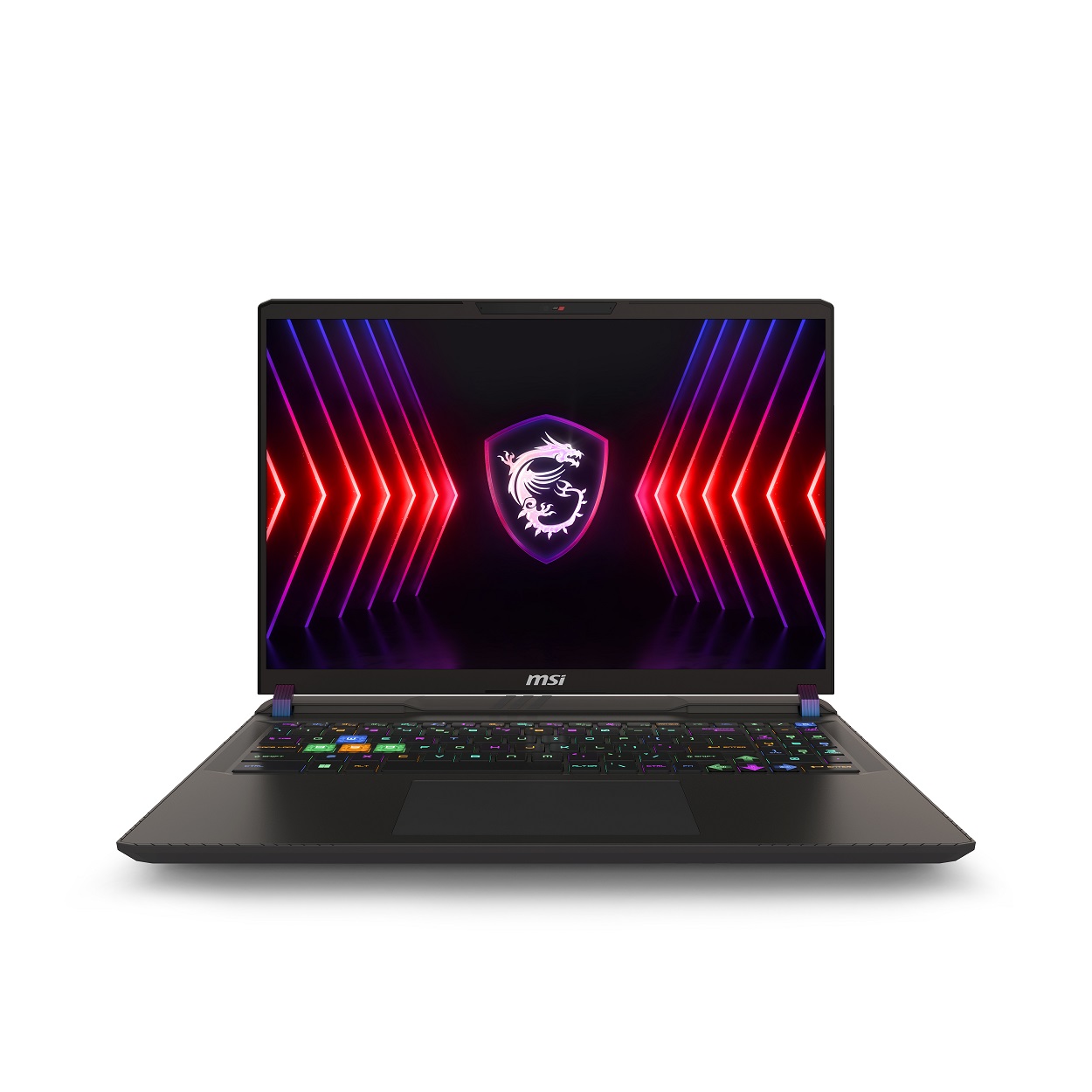
The A14VHG-278US specification sheet lists a Core i9-14900HX, 32 GB RAM and a 1 TB SSD. Its display is a 1920 × 1200, 144 Hz panel with 45% NTSC coverage—not the higher-resolution, wider-gamut screen found on some other Vector variants. This is the kind of distinction that matters more than a generic product-family photo.
Consider it if the exact listing offers an attractive total cost and the screen suits your use. For color-sensitive work, assess the display carefully or plan for an appropriate external monitor. Confirm that the seller is supplying this exact suffix and the original power adapter.
2. Lenovo Legion Pro 7 RTX 4080 — identify the generation
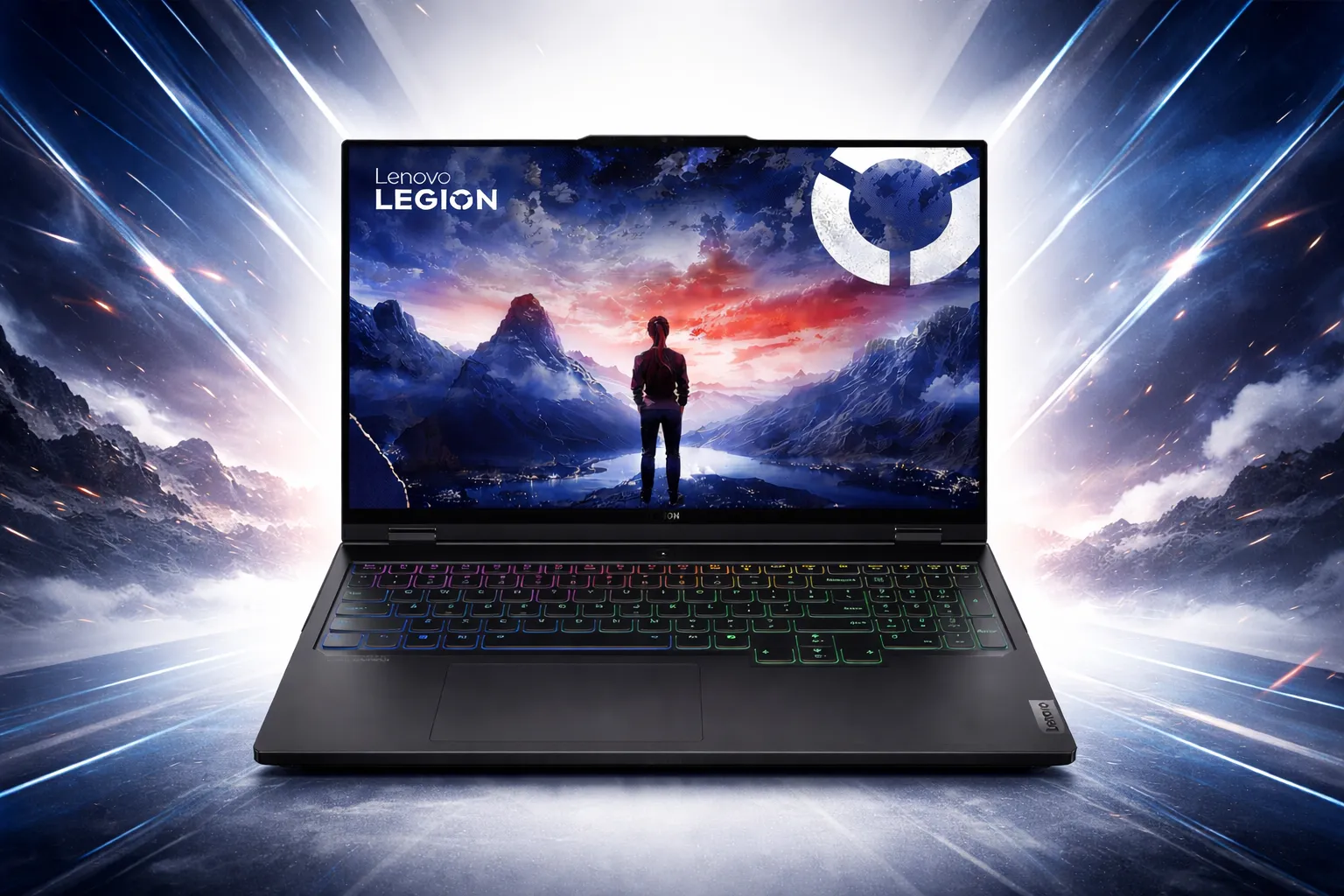
This listing names 16IRX9H. Lenovo identifies that family as Legion Pro 7i Gen 9, with a Core i9-14900HX and a listed 175 W RTX 4080 configuration. It should not be described as a Gen 8 machine with a different CPU. The seller’s abbreviated title does not establish every component in the unit.
Request the full machine-type/model number and confirm RAM, SSD, display and warranty status. “New open box” still calls for inspection of the charger, accessories and return terms. Do not substitute a family specification for missing seller information.
3. ASUS SCAR 18 RTX 4080 — compare condition first
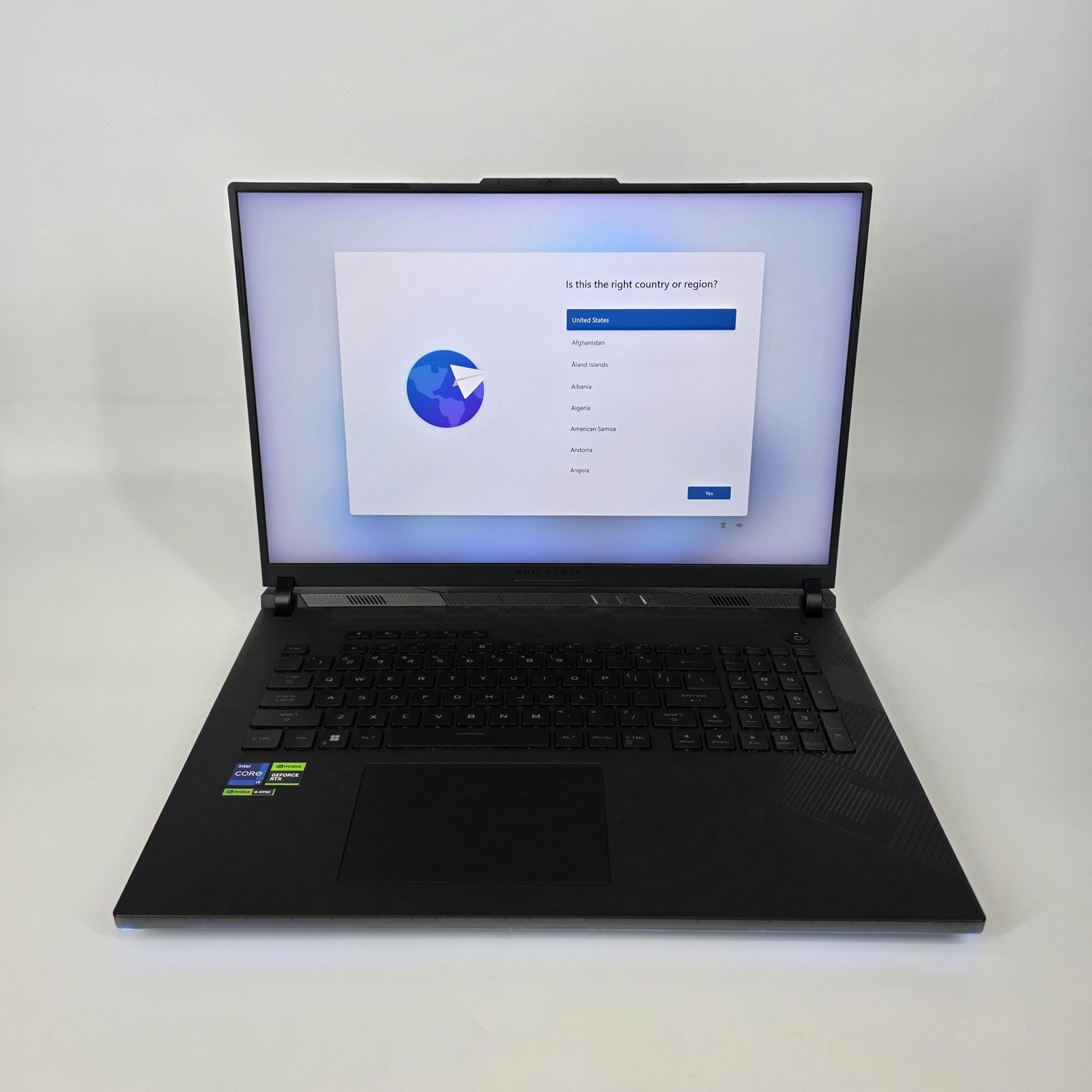
The saved seller record describes a 2024 SCAR 18 with RTX 4080 and 32 GB RAM. It is a large-screen option to compare with the 4090 SCAR below, but these are different marketplace offers—not a controlled same-condition price comparison. Ask for the exact G834 model suffix and photos of the actual unit.
The phrase “like new” is a seller’s condition claim. Check panel defects, battery condition, ports, keyboard, included adapter and returns. A saving can disappear if you need to replace missing accessories or cannot return a faulty machine.
4. ASUS SCAR 18 RTX 4090 Laptop — a desk-first comparison
This stored offer identifies an 18-inch G834 with RTX 4090 and 2 TB storage. Compare it if you want a large machine mainly for a desk and can justify its complete price. Verify the year and full model suffix before assuming it has the exact display or CPU shown on a manufacturer family page.
We have not validated the seller’s inspection claims. Ask what testing was performed and what protection applies to this particular sale. For carrying between locations, include the laptop and power brick together when deciding whether the size is practical.
5. ASUS Zephyrus G16 RTX 4090 Laptop — portability trade-offs
The offer names the Core Ultra 9 185H version. ASUS’s 2024 specification shows a 115 W maximum graphics configuration and onboard memory with no RAM expansion. That makes it a different buying proposition from a larger, higher-power gaming machine, even with the same GPU tier.
Compare it when carrying the laptop matters alongside gaming. Choose the RAM capacity you need at purchase, confirm the screen and storage, and look for exact-model testing rather than transferring performance expectations from an 18-inch laptop.
6. MSI Raider 18 HX RTX 4090 Laptop — verify refurbished coverage
The saved offer describes a refurbished Raider 18 HX and a QHD+ 240 Hz screen. Its stored description also names a warranty ending October 9, 2026, a date already past at this review’s update. Do not assume that statement still provides coverage or that another warranty begins with your purchase.
Obtain current warranty terms in writing and check the serial/model number, battery, adapter and return window. We would skip the listing if the seller cannot clarify coverage. A refurb can be worth considering, but an attractive GPU does not compensate for uncertain purchase protection.
Before You Buy: Five Checks That Prevent Expensive Mistakes
- Match the complete model. Record the year, suffix, CPU, GPU, screen, RAM and storage. Do not rely on a shared family name.
- Check your real workload. Use comparable test results for your games, resolution or application. Neither GPU promises every game at maximum settings.
- Inspect the physical machine. For used or refurbished offers, ask about battery condition, display defects, ports, repairs and the correct power adapter.
- Compare the full price. Include shipping, tax, condition and warranty. A displayed reduction is not proof that an older model is the best current value.
- Keep your options open. Compare current-generation alternatives at the same delivered price, or keep your existing laptop if it still meets your needs.
Browse our laptop guides and comparisons for other buying priorities. The right choice for desk gaming is not necessarily the right machine for travel, classes or daily office work.
Make a connection checklist before choosing a configuration: your monitor, headset, storage drive, wired network and any dock you already own. Check the exact model’s port specifications against each accessory, including the resolution and refresh rate you want on an external display. Include any required adapters in the purchase budget. A powerful GPU is not a substitute for a laptop that connects conveniently to the equipment you use every day.
Check the Delivered Laptop Before the Return Window Closes
Save a copy of the listing and the seller’s written answers before ordering. When the laptop arrives, compare its model label and reported configuration with what you bought. Check the screen, keyboard, trackpad, ports and charger during normal use. Photograph damage or missing accessories and report discrepancies promptly through the marketplace’s official process. Read the actual return deadline and conditions instead of assuming that every seller offers the same protection.
Try the games or applications that motivated the purchase while you can still resolve a problem. Use the intended power adapter and record the settings if performance seems wrong. One unusual result is not enough to diagnose a defective GPU, but repeated crashes or a mismatched configuration deserve investigation. Keep the packaging until you are satisfied with the purchase, and do not let an attractive specification sheet distract you from the condition of the machine delivered.
Frequently Asked Questions
Is the RTX 4090 laptop the same as a desktop RTX 4090?
No. They are different GPUs with different specifications and power limits. Desktop benchmark videos cannot establish laptop performance.
How much faster is an RTX 4090 laptop than an RTX 4080?
There is no single percentage that applies to every pair of laptops. Compare the exact machines at the same settings, resolution and power mode. We have not performed a head-to-head benchmark test.
Is the RTX 4080 enough for 1440p gaming?
Check the games, quality settings and frame-rate target you care about on the exact laptop. A resolution alone does not establish whether a machine will meet your expectations, especially with demanding ray-tracing settings.
Should I buy a used or refurbished gaming laptop?
Only when its condition, total cost and purchase protection make sense. Verify the model, battery, charger, screen, warranty and return policy. Do not treat an expired warranty statement as current coverage.
Why do some offers say out of stock?
Marketplace listings can end, and the stored offer feed may retain the last available price. An old price is not a promise that you can still buy at that amount. Check the seller’s current listing and skip an unavailable or unclear offer.
Final Recommendation
Start with the least expensive complete laptop that demonstrably meets your needs. Choose an RTX 4080 configuration when it delivers the experience you want without an unnecessary premium. Consider an RTX 4090 laptop when its specific advantages justify the price, power and portability trade-offs. If the condition or warranty is unclear, neither is a good deal.
Return to the six offer cards after deciding which specifications matter to you. Confirm availability and exact configuration at the merchant; this comparison does not promise that every saved listing remains purchasable.