The confusing thing about buying a Lutron dimmer switch is that the specs barely change across the range. Almost every model here handles 150W of dimmable LED or 600W of incandescent and halogen, works single-pole or three-way, and needs no neutral wire. What actually differs is how you operate it, whether it talks to your phone, and whether it can be controlled from more than two places.
So choosing a Lutron dimmer switch is less about wattage than about the wall plate you want to look at and whether the light needs to be smart. Six models below, from about $21 to about $74, covering each of those choices once.
Six Lutron Dimmers, and What Each One Is For
- Best overall: Diva LED+ — the standard paddle and slider
- Best value: Skylark LED+ — the cheapest way to dim a light properly
- Toggle style: Toggler LED+ — keeps the switch your other plates use
- Best dimming: Maestro LED+ kit — programmable fade, works multi-location
- Smart, cheaper: Caséta Original — smart control, button operated
- Best smart: Diva Smart — Caséta in the familiar Diva shape


How the Six Compare
All six are rated for 150W of dimmable LED, all six work single-pole or three-way, and none of them needs a neutral wire. Those columns would be identical, so the table shows the three things that are not.
| Model | How you operate it | Smart control | Multi-location |
|---|---|---|---|
| Diva LED+ | Paddle + hidden slider | No | Three-way only |
| Skylark LED+ | Rocker + slider | No | Three-way only |
| Toggler LED+ | Toggle + small slider | No | Three-way only |
| Maestro LED+ | Tap + rocker, fade | No | Yes, companion included |
| Caséta Original | Buttons | Yes, Smart Hub required | Via Pico remotes |
| Diva Smart | Rocker + slider, light bar | Yes, Smart Hub required | Via Pico or Claro accessory |
Lutron sells most of these in several finishes and in both single and multi-packs, and the listing you land on may not be the one you think. Check the model code and the colour before ordering. This is a research-based guide rather than a hands-on test — we have not installed these switches, and the specifications here come from Lutron’s own documentation and the retail listings.
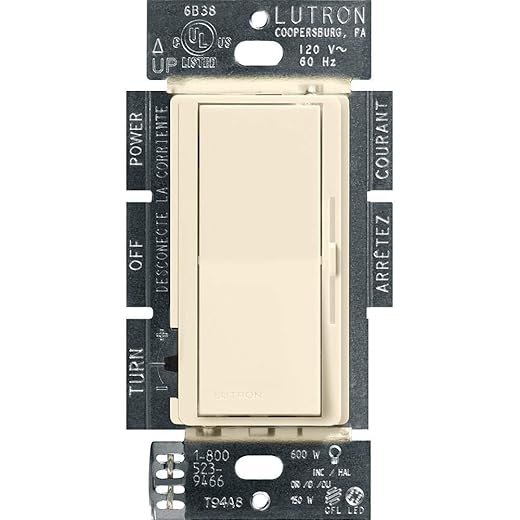
1. Diva LED+ — the one to buy if you have no particular reason not to
The standard Lutron paddle: a rocker for on/off at your preferred level and a discreet slider to adjust it. 150W dimmable LED or CFL, 600W incandescent/halogen, single-pole or three-way, no neutral required.
This is the Lutron dimmer most people picture: a wide paddle that turns the light on at your preferred level, with a slider hidden down the side to change it. The paddle is the whole point — you operate it the way you operate a normal switch, and only touch the slider when you actually want a different brightness.
Specification-wise it matches the cheaper models: 150W of dimmable LED or CFL, 600W incandescent or halogen, single-pole or three-way, no neutral wire, and Lutron quotes a 15-minute swap. For about five dollars over the Skylark you get a markedly better control surface, which is why it is the default recommendation here.
- Best control surface of the non-smart models
- Paddle works like an ordinary switch
- 150W LED / 600W incandescent and halogen
- No neutral wire required
- A few dollars more than the Skylark
- No fade, no multi-location beyond three-way
- No smart control
2. Skylark LED+ — the cheapest one worth buying
A slide dimmer rated for 150W of dimmable LED or 600W incandescent/halogen, usable single-pole or three-way. Rocker turns the light on at your set level; the slider adjusts it. No neutral wire required.
At roughly $21 this is the floor of the range, and it is not a stripped-down product: 150W of dimmable LED, single-pole or three-way, no neutral wire, and Lutron quotes over 150 dimming levels. The rocker turns the light on at whatever level you left it; the slider beside it changes that level.
The reason to spend more is not performance, it is the control. A slide dimmer means reaching for a small slider every time you want a different level, which is fine in a hallway and slightly annoying in a living room you adjust often.
- Cheapest in the range
- Slide control with over 150 levels
- Single-pole or three-way
- No neutral wire required
- Slider is fiddlier than a paddle
- No smart control
- No multi-location beyond three-way
3. Toggler LED+ — when the rest of the house is toggles
Keeps the familiar toggle action with a small slider beside it, rated 150W LED, single-pole or three-way with a mechanical switch. Lutron lists over 250 dimming levels on this one.
If every other plate in the room is a toggle switch, a paddle dimmer looks wrong. The Toggler keeps the toggle action and tucks a small slider beside it, so the wall stays consistent. Lutron lists over 250 dimming levels on this one, the highest of the mechanical models here.
It works single-pole or in a three-way with a mechanical switch, which covers hallways and stairs. Beyond matching your existing plates there is no functional reason to choose it over the Diva — this is an aesthetic pick, and a legitimate one.
- Matches existing toggle switch plates
- Over 250 dimming levels
- Single-pole or three-way
- No neutral wire required
- Chosen for looks rather than function
- Small slider
- No smart control
4. Maestro LED+ kit — the best dimming, and the only multi-location one
A tap switch for on/off plus a rocker to dim, with a programmable fade that brings lights up and down gradually. Works single-pole, three-way or multi-location; the kit ships with a companion dimmer, which does not work on its own.
The Maestro swaps the paddle for a tap switch and a rocker, and adds the one feature nothing else here has: a programmable fade. Lights come up gradually rather than snapping on, and fade down slowly enough that you can leave a room before it goes dark. In a bedroom or a stairwell that is a genuine quality-of-life difference, not a gimmick.
It is also the only pick that handles multi-location — three or more switch points on one circuit — and the kit ships with the companion dimmer you need for it. Worth knowing before you buy: Lutron is explicit that the companion dimmer does not work on its own. It only functions wired alongside the main Maestro.
- Programmable fade up and down
- Tap for on/off, rocker to dim
- Single-pole, three-way or multi-location
- Companion dimmer included in the kit
- More than twice the price of the Diva
- Companion dimmer is useless on its own
- No app or voice control
- Tap control takes a little learning
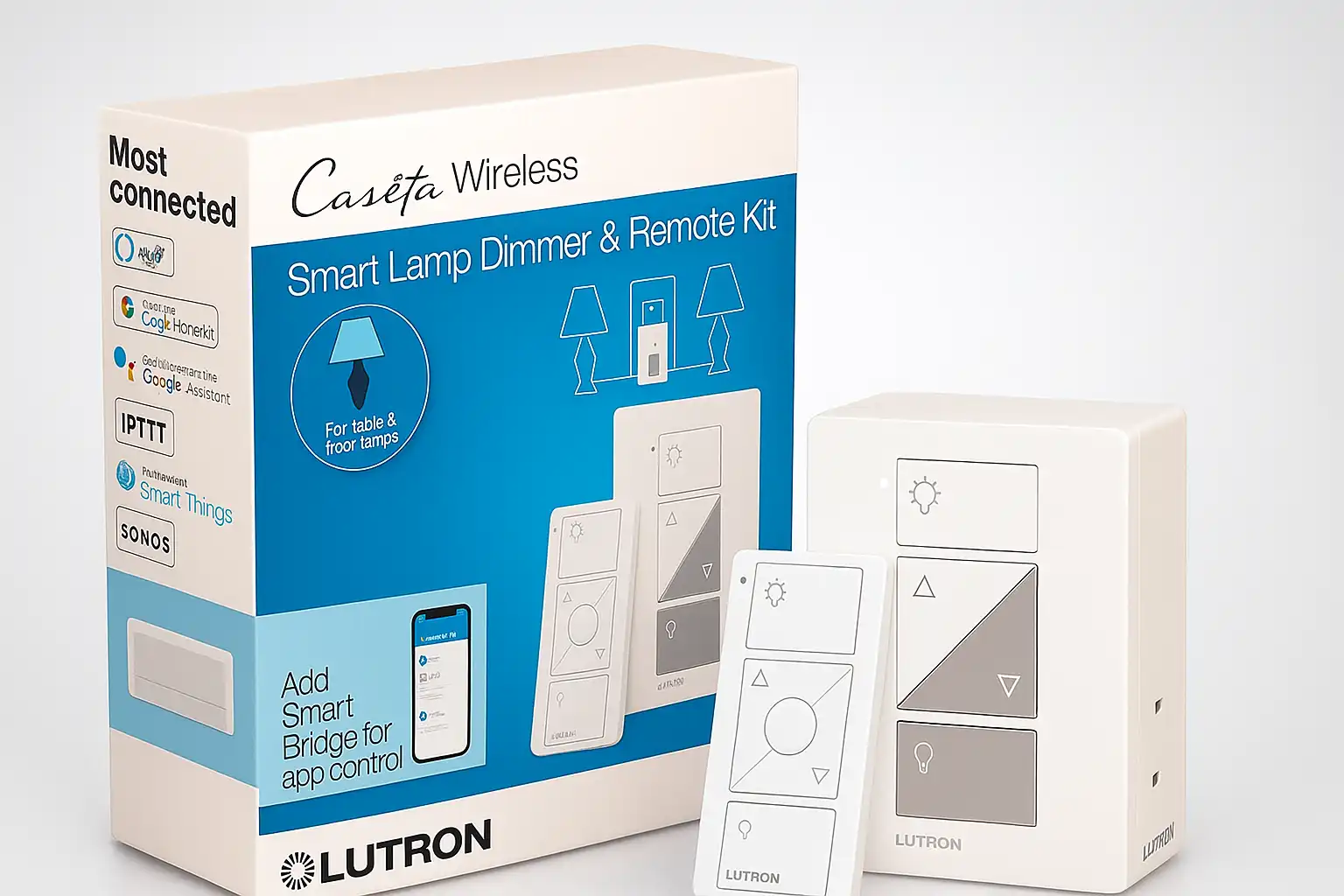
5. Caséta Original — the cheaper way into smart lighting
The original Caséta dimmer: button-operated brightness, 150W, single-pole or three-way, no neutral required. Works with Alexa, Apple Home, Google Assistant and Sonos. The listing states a Lutron Smart Hub is required.
Caséta is Lutron’s smart platform, and this is the original dimmer for it. Control is by buttons rather than a paddle, and once it is on the system it works with Alexa, Apple Home, Google Assistant and Sonos. Like the mechanical models it is 150W, single-pole or three-way, and needs no neutral wire — which is what makes Caséta workable in older houses where smart switches usually are not.
The cost that is easy to miss: the listing states a Lutron Smart Hub is required. That is a separate purchase, so the real entry price is higher than the switch alone. Buy the starter kit rather than the bare switch if this is your first one.
- Full smart control — Alexa, Apple Home, Google, Sonos
- No neutral wire required
- Single-pole or three-way
- Cheaper than the Diva Smart
- Smart Hub required and sold separately
- Button control, not a paddle or slider
- Older styling than the Diva Smart
6. Diva Smart — Caséta control without the odd buttons
Caséta smart control in the familiar Diva shape, with a soft-glow light bar and slider. 150W dimmable LED or 600W incandescent/halogen, single-pole or three-way, no neutral required. The listing states a Lutron Smart Hub is required, and it is not rated for low-voltage loads such as track or landscape lighting.
This is the one to buy if you want smart lighting and do not want the wall to announce it. It is Caséta underneath, in the Diva shape: a rocker, a slider, and a soft-glow light bar showing the level. Same 150W LED rating, same no-neutral install, same single-pole or three-way wiring, and multi-location through Pico remotes or a Claro accessory switch — both sold separately.
Two things to check before ordering. The listing states a Lutron Smart Hub is required, same as the Caséta Original. And it is not rated for low-voltage loads — track lighting and landscape lighting need a different Lutron model, not this one.
- Smart control in a normal-looking paddle
- Soft-glow light bar shows the level
- No neutral wire required
- Multi-location via Pico remotes or Claro switch
- Most expensive pick here
- Smart Hub required and sold separately
- Not rated for low-voltage track or landscape lighting
- Pico remotes and Claro switches cost extra
What to Check Before You Buy
Four things, and the first two are decided by your wall rather than your preference.
How many switches control the light?
One switch is single-pole and every model here covers it. Two switches on the same light — the two ends of a hallway or staircase — is three-way, and again all six handle it. Three or more switch points is multi-location, and only the Maestro kit does that out of the box, or the smart models with Pico remotes added. Count the switches before you choose.
What is on the circuit, and how much of it?
These are rated for 150W of dimmable LED or 600W of incandescent and halogen. Add up the bulbs on the circuit, not the fittings — six 10W LED downlights is 60W and fine; a chandelier full of halogen adds up faster than people expect. The bulbs also have to say dimmable on the box. A non-dimmable LED on a dimmer is the single most common cause of the flickering people blame on the switch.
Low-voltage lighting is its own category. Track and landscape lighting need a dimmer rated for ELV or MLV loads — the Diva Smart explicitly is not one, and nor are the other five here.
Do you want it smart, and have you budgeted the hub?
Both smart models state that a Lutron Smart Hub is required, and that hub is a separate purchase. If you are buying one smart dimmer, the starter kit usually works out better than the bare switch. If you are never going to use the app, the mechanical models do the same dimming for a third of the price.
What do the other plates in the room look like?
This sounds trivial and it is the thing people regret. A paddle dimmer next to three toggle switches looks like a mistake. Match the family you already have — Toggler for toggles, Diva for paddles — or change the whole room at once.
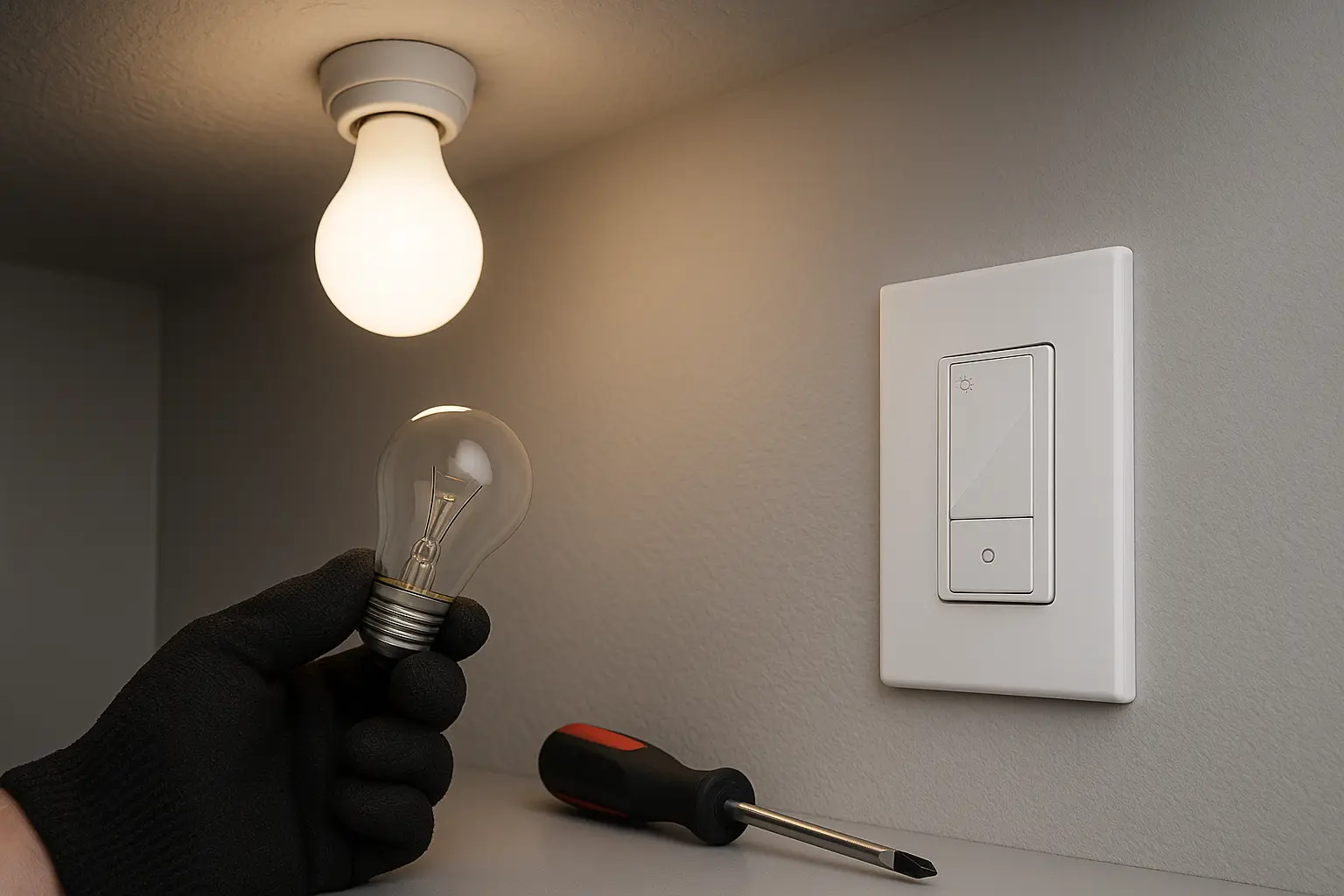
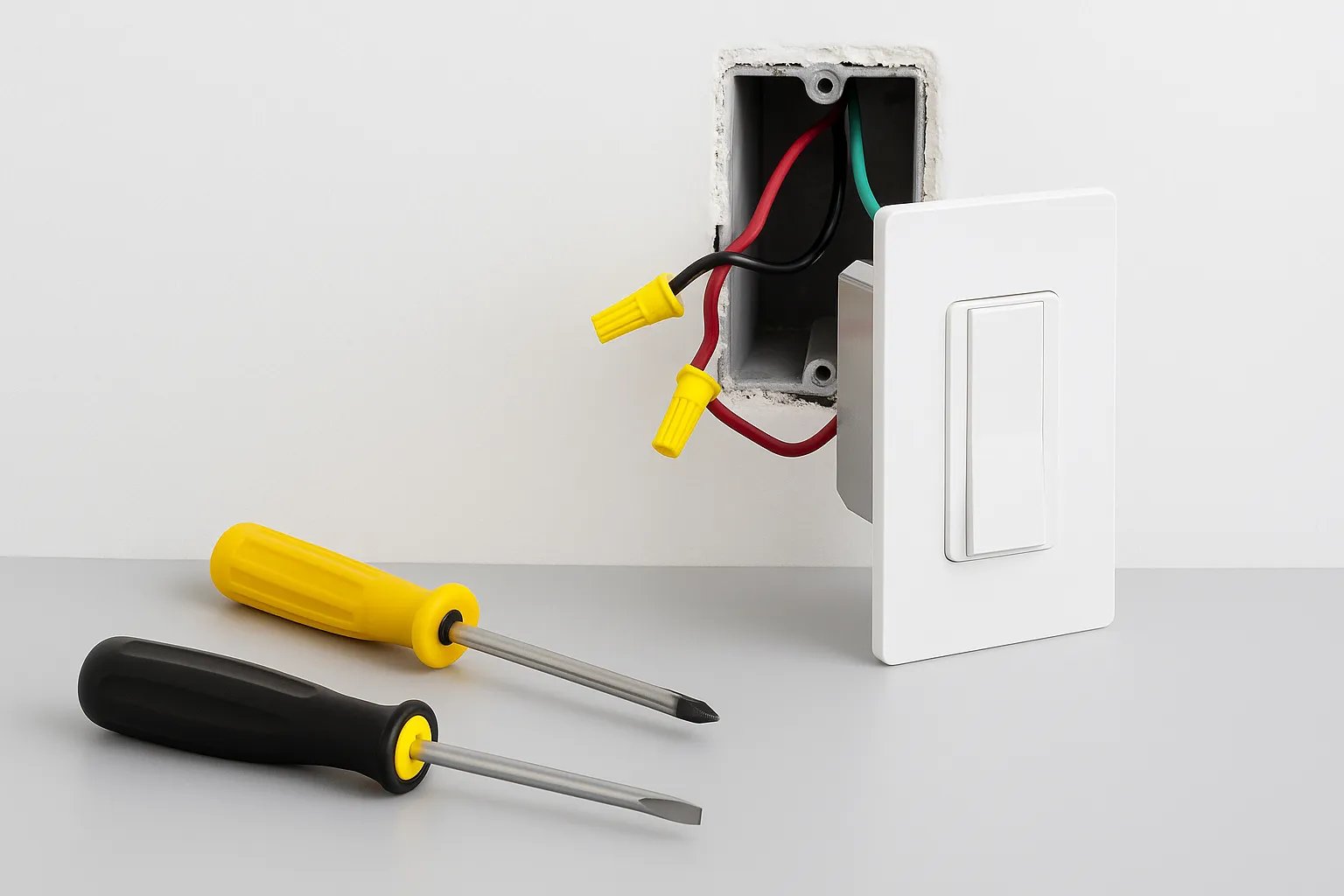
Installing a Lutron Dimmer Switch
Wiring a Lutron dimmer switch varies by model, by whether the circuit is single-pole or three-way, and by what is already in the box. Lutron ships model-specific instructions with every dimmer and publishes them on its site — follow those rather than a generic set of steps, because the colour conventions differ between a single-pole and a three-way install and getting that wrong is how people end up with a dimmer that buzzes or does not work at all.
Lutron quotes around 15 minutes for a straightforward swap. That assumes you are comfortable isolating the circuit at the panel and verifying it is dead before touching anything. If you are not, this is a short and inexpensive job for an electrician, and worth paying for.
Common Questions
Do Lutron dimmer switches need a neutral wire?
Not these ones. All six models here, including both smart dimmers, are specified as no-neutral — which is why Caséta works in older houses where most smart switches do not. It is still worth checking the specification on the exact model you buy, because Lutron’s wider range does include models with different requirements.
Why do my LED lights flicker on a dimmer?
Usually the bulbs, not the switch. The bulb has to be marked dimmable, and even then not every dimmable LED behaves well on every dimmer. Lutron publishes a bulb compatibility tool for exactly this, and says these models were tested across thousands of bulbs. If the flicker started when you changed bulbs rather than when you changed the switch, start there.
Why is my dimmer switch buzzing?
Most often the load. Add up the wattage of every bulb on the circuit and compare it to the dimmer’s rating — 150W for dimmable LED on these models, 600W for incandescent and halogen. A circuit over its rating, or a bulb that does not get on with the dimmer, is the usual cause. Some buzzing comes from the bulb rather than the switch, so try a different bulb before replacing the dimmer.
Do I need the Lutron Smart Hub?
For the two smart models here, yes — both listings state the Smart Hub is required, and it is sold separately. The four mechanical dimmers need nothing but the switch. If you only want to dim a light and never control it from a phone, you can ignore the hub entirely and save about $40 on the switch as well.
Which One to Buy
For a normal room with one or two switches, buy the Diva LED+. It costs a few dollars more than the cheapest option and gives you the best control surface of any non-smart model in the range. Choose the Toggler instead if the room is full of toggle plates, the Maestro kit if the light is switched from three or more places or you want the fade, and the Diva Smart if it needs to answer to a phone — remembering the hub. More of the range, including the low-voltage and fan-speed models, is listed on Lutron’s own site. For the rest of the setup, see our smart home devices guides.
A wide paddle you use like an ordinary switch, with the slider tucked out of sight until you want it. Same 150W LED rating and no-neutral install as the cheaper models, for a few dollars more and a much better thing to touch.
Sources
- Lutron — product range and model-specific installation instructions
- Lutron Caséta — Diva Smart Dimmer (wattage ratings, no-neutral operation, multi-location options)