We independently review everything we recommend. We may earn a commission when you buy through our links.
Learn more ›
Acer Aspire 3 Laptop Review: Budget Pick

The Acer Aspire 3 is the kind of laptop people look at when they want a simple Windows machine without spending premium money. It is not built to impress gamers, video editors, or people who need a high-end display. It is built for basic daily use.
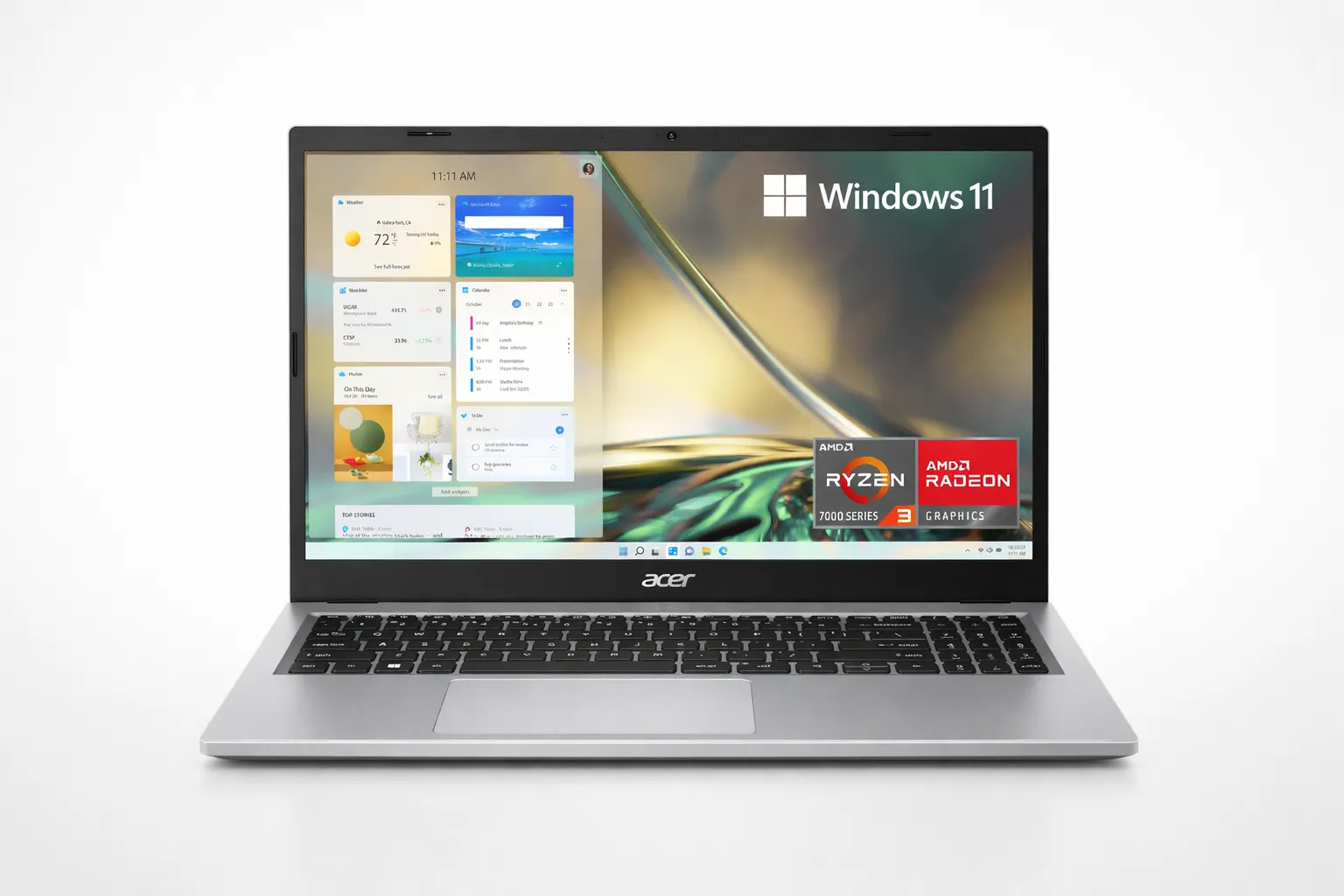
This acer aspire 3 laptop review looks at the Aspire 3 A315-24P-R7VH, a 15.6-inch budget laptop with an AMD Ryzen 3 7320U processor, 8GB of memory, and a 128GB NVMe SSD. That setup makes the most sense for schoolwork, web browsing, email, streaming, documents, and light work from home.
The biggest thing to understand is that this laptop has limits. The display is basic, the storage is small, and it is not a gaming laptop. But if your expectations are realistic, the Aspire 3 can still be a smart buy for the right person.
If you are comparing more laptop options, our laptop reviews and buying guides can help you see where this model fits. If you need something tougher for travel, job sites, or outdoor work, our rugged laptop guide covers stronger options.
Table of Contents
Quick Verdict
The Acer Aspire 3 is worth considering if you want an affordable laptop for basic daily tasks and you plan to keep expectations realistic.
It is a good fit for students, home use, online classes, email, web browsing, Microsoft Office, Google Docs, streaming, and light multitasking. It is not the right pick for serious gaming, heavy creative work, demanding software, or anyone who wants a premium screen.
The best reason to buy it is price. The main reason to skip it is performance ceiling. It works best as a simple daily laptop, not as a powerful all-purpose machine.
Check the Acer Aspire 3 price on Amazon before buying.
Acer Aspire 3 A315-24P Specs at a Glance
Here is a quick look at the main Acer Aspire 3 A315-24P specs before you compare performance, display quality, storage, and everyday use.
Bottom Line: The Acer Aspire 3 A315-24P is best for basic daily use, not gaming, heavy multitasking, or demanding creative work.
Everyday Performance
For everyday use, the Aspire 3 is fine as long as you do not treat it like a performance laptop. It can handle browser tabs, email, school portals, video streaming, writing, spreadsheets, and basic online work.
The Ryzen 3 7320U is not made for heavy workloads. If you open too many tabs, stream video, run several apps, and try to multitask hard, you may start to feel the budget hardware. That does not make it bad. It just means the Aspire 3 needs to be used for the kind of work it was built for.
For students and home users, that can still be enough. For video editing, advanced photo work, coding with heavier tools, or serious multitasking, you should look at a stronger laptop.
Display Quality
The 15.6-inch Full HD screen uses a 1920 × 1080 resolution, which gives you enough space for documents, web pages, schoolwork, and streaming. It is one of the reasons this laptop can feel practical for desk use.
But the display is not the strongest part of the Aspire 3. Budget laptop screens often look less bright and less colorful than premium models, and that is the kind of trade-off you should expect here.
For YouTube, Netflix, online classes, and writing, the screen is usable. For color-sensitive work, photo editing, or anyone who really cares about brightness and rich color, this is not the laptop I would choose first.
Design and Build
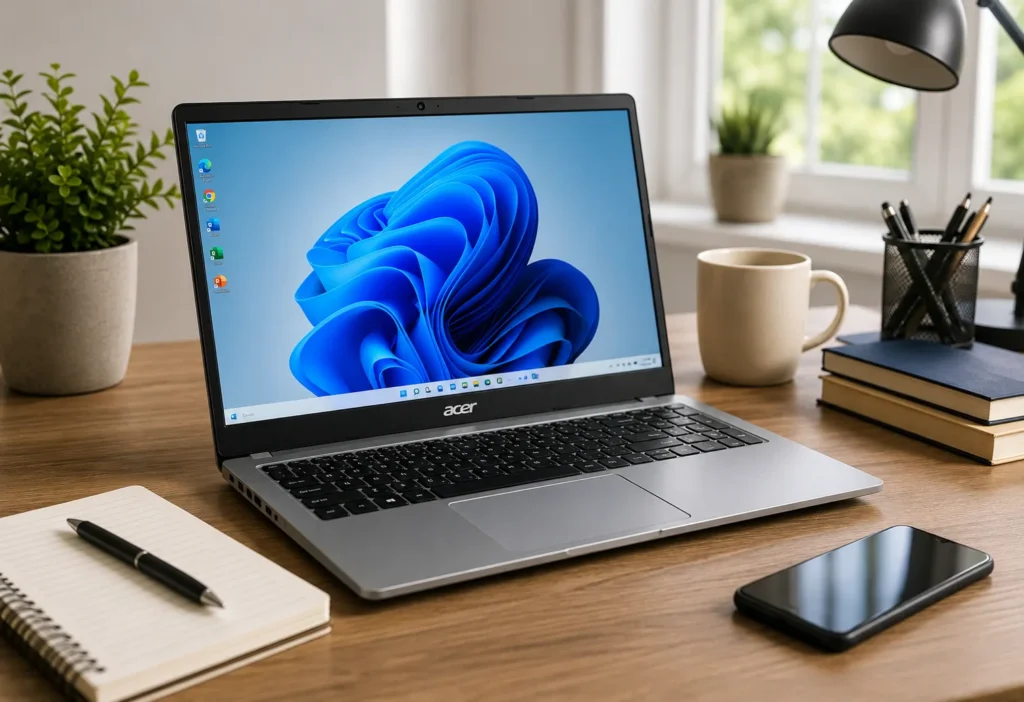
The Aspire 3 has a clean, simple design that looks better than many cheap laptops. It does not scream “budget laptop,” which helps if you plan to use it at school, at work, or on a desk where appearance matters.
It is still a budget machine, so do not expect premium metal construction or ultra-thin luxury build quality. The appeal is that it looks clean, stays practical, and keeps the price low.
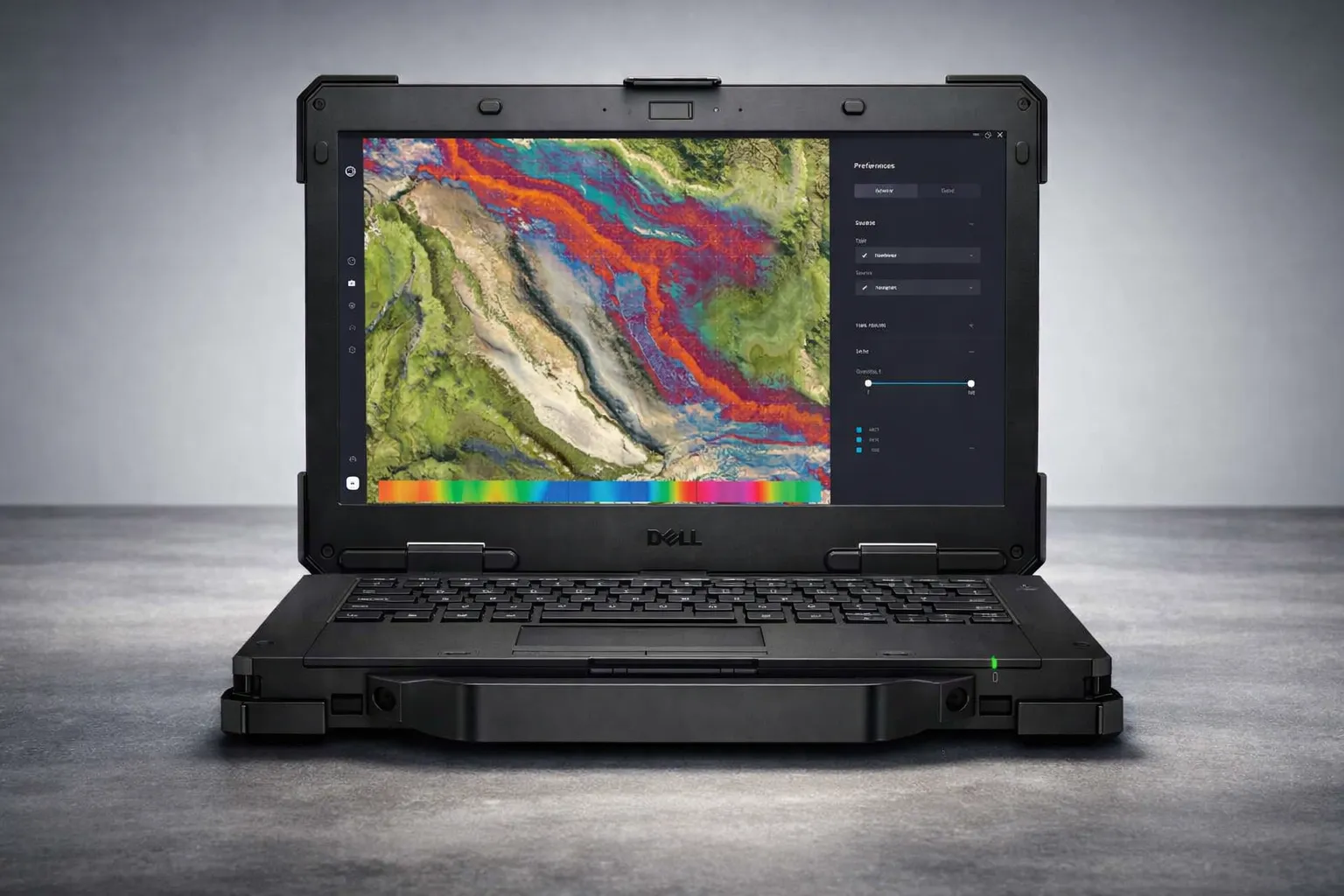
If you want something more rugged or built for tougher conditions, this is not that type of laptop. For tougher use cases, our rugged laptop guide is a better place to compare options.
Keyboard, Touchpad, and Webcam
The keyboard is one of the better parts of the Aspire 3 for the price. It is good enough for school assignments, emails, notes, and regular document work.
The touchpad is usable, but this is still a budget laptop experience. If you are picky about touchpads, you may prefer using a wireless mouse for longer work sessions.
The webcam is fine for basic video calls, online classes, and quick meetings. It is not the kind of webcam you buy for sharp, professional-looking video, but it can get the job done.
Battery Life
Battery life is one of the biggest things to think about before buying the Aspire 3. This is not the laptop I would choose if you need all-day unplugged use.
For home, school, or office use where you can charge during the day, it makes more sense. If you are moving around all day without access to an outlet, you may want to compare other models before buying.
That is the honest trade-off. The Aspire 3 can be a good low-cost laptop, but battery life is not the reason to buy it.

Ports and Connectivity
The Aspire 3 gives you practical everyday connectivity. USB ports, HDMI, Wi-Fi 6, and a headphone jack help cover the basics for school, desk setups, external displays, and accessories.
That matters because many budget buyers still need real ports. You may want to connect a mouse, keyboard, monitor, flash drive, or external storage without buying a bunch of adapters.
For a budget laptop, that everyday practicality is one of the better reasons to consider it.
Acer Aspire 3: Main Strengths and Limits
Quick take: The Aspire 3 is best for basic daily use. It is not the laptop to buy for gaming, heavy multitasking, creative work, or long unplugged days.
What It Does Well
Handles email, browsing, schoolwork, documents, streaming, and light work apps.
Where It Falls Short
The display is basic, storage is limited, and performance can slow down with heavier multitasking.
Best Buyer
Students, home users, and light remote workers who want a low-cost Windows laptop and usually work near a charger.
Storage: The Main Limitation
The 128GB SSD is fast enough for basic use, but the capacity is small. After Windows, apps, updates, and downloads, the available space can fill up quickly.
If you mostly use Google Drive, OneDrive, web apps, and streaming services, this may not be a big problem. If you save a lot of local files, videos, photos, or games, it will become annoying fast.
For many buyers, the best move is to use cloud storage or an external SSD. If you can find a 512GB version at a good price, that version may be easier to live with long term.
Which Acer Aspire 3 Configuration Should You Choose?
The Acer Aspire 3 A315-24P-R7VH is the budget-focused version, and it makes sense if price is the main reason you are buying. The Ryzen 3 processor, 8GB of memory, and 128GB SSD are enough for basic use, but storage is the part most buyers will notice first.
If you can find an Aspire 3 model with a 512GB SSD at a fair price, that version will be easier to live with long term. More storage gives you extra room for downloads, photos, documents, apps, and Windows updates.
A model with 16GB of memory can also be worth considering if you multitask more often. It will not turn the Aspire 3 into a gaming laptop, but it can make everyday use feel smoother when several browser tabs and apps are open.
Is the Acer Aspire 3 Good for Students?
Yes, the Aspire 3 can be a good student laptop if the student mainly needs web browsing, online classes, essays, research, email, and basic productivity apps.
It is not the best choice for students in design, engineering, video editing, 3D work, or gaming-heavy programs. Those needs require more power, better graphics, and usually more storage.
For general schoolwork, it makes sense. For demanding college workloads, compare stronger laptops before buying.
Is the Acer Aspire 3 Good for Gaming?
No, not for serious gaming.
The Aspire 3 uses integrated AMD Radeon graphics, which are fine for basic visuals, streaming, and light casual games. It is not built for modern PC gaming.
If gaming is important, look at a real gaming laptop instead. Our Omen gaming laptop guide and Lenovo gaming laptop guide are better starting points for that type of buyer.
Acer Aspire 3 vs Better Budget Laptops
The Aspire 3 makes the most sense when it is priced low. If the price gets too close to stronger budget laptops, it becomes less appealing because you can often get better battery life, more storage, or a sharper display by spending a little more.
Compared with more powerful laptops, the Aspire 3 is simpler and cheaper. That is good for basic buyers, but not for anyone who wants a laptop that feels fast for several years under heavier use.
If you only need a laptop for school, browsing, email, documents, and streaming, the Aspire 3 can still make sense. If you want stronger multitasking, better graphics, or a more premium screen, compare other laptops before buying.
Acer Aspire 3 for Work From Home
The Acer Aspire 3 can work well for light work-from-home tasks if your daily routine is not too demanding. It is a good fit for email, browser-based work, Google Docs, Microsoft Word, spreadsheets, Zoom calls, online dashboards, and basic admin tasks.
Where it starts to feel limited is heavier multitasking. If you keep a lot of browser tabs open, run video calls, stream music, and work inside multiple apps at the same time, the budget hardware can start to feel slower.
For simple remote work, it makes sense. For a heavier work setup, especially if you rely on multiple monitors, large spreadsheets, design software, or constant video meetings, a stronger laptop with more memory and storage will be easier to live with.

Acer Aspire 3 for Streaming and Everyday Entertainment
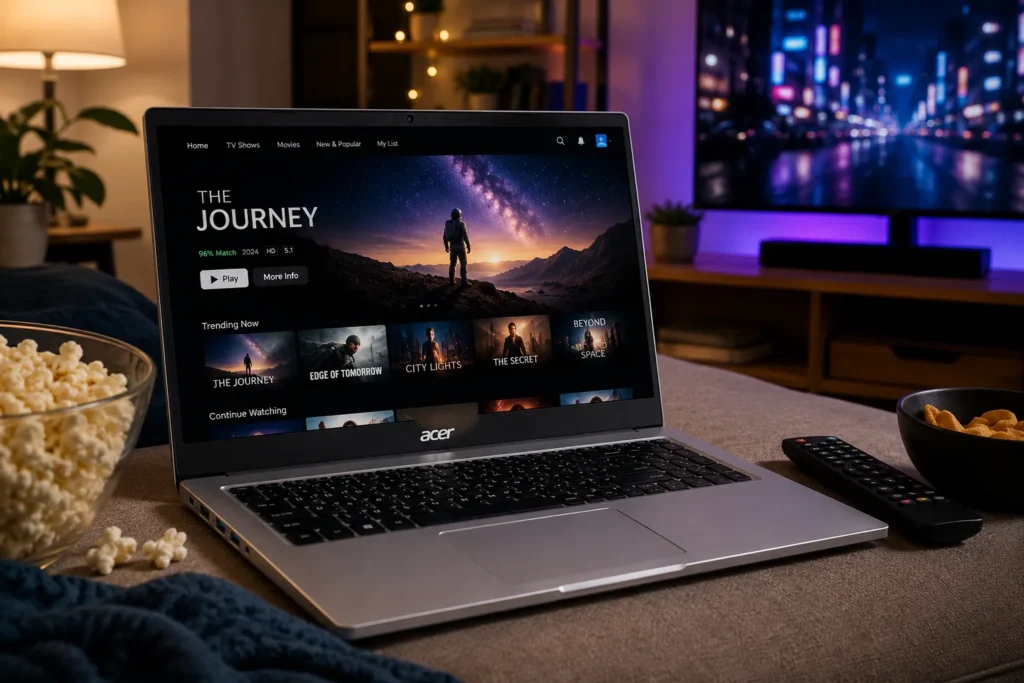
For casual entertainment, the Aspire 3 is fine. The 15.6-inch Full HD screen gives you enough room for YouTube, Netflix, online classes, and general browsing. It is not a premium display, but it is usable for basic watching and daily media.
The speakers are where expectations should stay realistic. Budget laptops usually do not deliver rich sound, and this is the kind of laptop where headphones or small external speakers can make the experience better.
This laptop makes more sense for someone who wants to watch videos, browse the web, shop online, check email, and handle light entertainment. It is not the right choice for someone who wants a bright, color-rich screen or stronger audio for movies and creative work.
Acer Aspire 3 A315-24P
The Acer Aspire 3 A315-24P is the model to consider if you want a cheap Windows laptop for simple daily use. It gives you a full-size screen, modern wireless connectivity, and enough speed for basic tasks.
The best buyer is someone who wants a low-cost laptop for browsing, schoolwork, documents, streaming, and light work. The wrong buyer is someone expecting premium battery life, a bright high-quality screen, strong speakers, serious gaming, or heavy multitasking power.
This is a practical laptop, not an exciting one. That is exactly why it can still make sense.
Who Should Buy the Acer Aspire 3?
Buy the Aspire 3 if you want a budget-friendly laptop for simple daily tasks.
It makes sense for:
- Students doing basic schoolwork
- Home users browsing, shopping, streaming, and checking email
- Remote workers using light web apps and documents
- Anyone who mostly works near a charger
- Buyers who want a full-size screen without spending much
This laptop works best when you know exactly what you are buying: a simple, affordable Windows laptop for everyday basics.
Who Should Skip It?
Skip the Aspire 3 if you need strong performance, long battery life, better display quality, or gaming power.
It is not ideal for:
- Video editing
- Modern PC gaming
- Heavy multitasking
- Large local file storage
- Creative work where color accuracy matters
- Long unplugged workdays
If those things matter, you will probably be happier spending more.
Final Verdict: Is the Acer Aspire 3 Worth Buying?
The Acer Aspire 3 is worth buying if you want a cheap, simple laptop and you understand the trade-offs. It is not trying to be a premium machine. It is not a gaming laptop. It is not the best choice for heavy work.
But for school, home, browsing, streaming, documents, and light productivity, it can do the job at a low price.
The strongest reasons to buy it are affordability, simple usability, a full-size screen, and practical everyday features. The biggest reasons to pause are the small storage, basic display, modest performance, and battery life.
If you want a basic laptop and the price is right, the Aspire 3 makes sense. If you want something faster or more future-proof, compare higher-end options before buying.
You can also check Acer’s official Aspire laptop page for current model details and specifications.
Frequently Asked Questions
Is the Acer Aspire 3 a good laptop?
Yes, the Acer Aspire 3 is a good laptop for basic daily use. It works best for web browsing, schoolwork, email, streaming, documents, and light productivity. It is not ideal for gaming, video editing, or heavy multitasking.
Is the Acer Aspire 3 good for students?
Yes, it can be a good student laptop for general schoolwork, online classes, research, and writing. Students who need creative software, engineering programs, or gaming performance should look for a stronger laptop.
Can the Acer Aspire 3 run games?
The Acer Aspire 3 is not a gaming laptop. It can handle very light casual games, but it is not built for modern PC gaming. For gaming, choose a laptop with dedicated graphics.
What are the main downsides of the Acer Aspire 3?
The main downsides are the basic display, modest performance, small storage on some models, and limited battery life compared with better laptops. These are common trade-offs in the budget laptop range.
Is 128GB storage enough on the Acer Aspire 3?
128GB can work if you mainly use cloud storage, web apps, and streaming services. If you save a lot of files, photos, videos, or apps, you may want a 512GB model or an external drive.
Get Smart Recommendations
Expert buying advice, practical recommendations, and smart product picks — delivered straight to your inbox daily.
By signing up, you agree to the terms of service and privacy.
More to Explore


Omen Gaming Laptop: 7 Models for Serious Gamers

Legion Laptop Review: 7 Powerful Gaming Picks